Plugins
SPC Granular X 1.0.2: stereo sources, sample morphing and three new spectral modes
On this page6 sections
SPC Granular X 1.0.2 is available now for Windows CLAP hosts. It is a substantial update: one long-standing bug in how samples were played, a second source you can blend and pitch, three new ways to rebuild the spectrum, and a rebuilt factory library.
Your samples now play in stereo
This is the headline, and it is a fix rather than a feature.
Every source was being summed to mono before the engine ever saw it. A single mono buffer was built from each sample, so a stereo recording collapsed to the centre and the only width you could hear came from grain panning. Both engines did it — the grain bus and Sample Engine A independently.
Both now carry the full stereo image end to end. Drop in a wide pad, a recorded room, or anything with real stereo content and it stays where you put it. A centred source stays exactly centred: the change preserves width, it never invents it. Mono sources render bit-for-bit as they did before, at identical CPU cost.
If you have presets built before this release, they will image differently now. That is the fix working — but it is worth a pass through your favourites.
A second source, with its own pitch
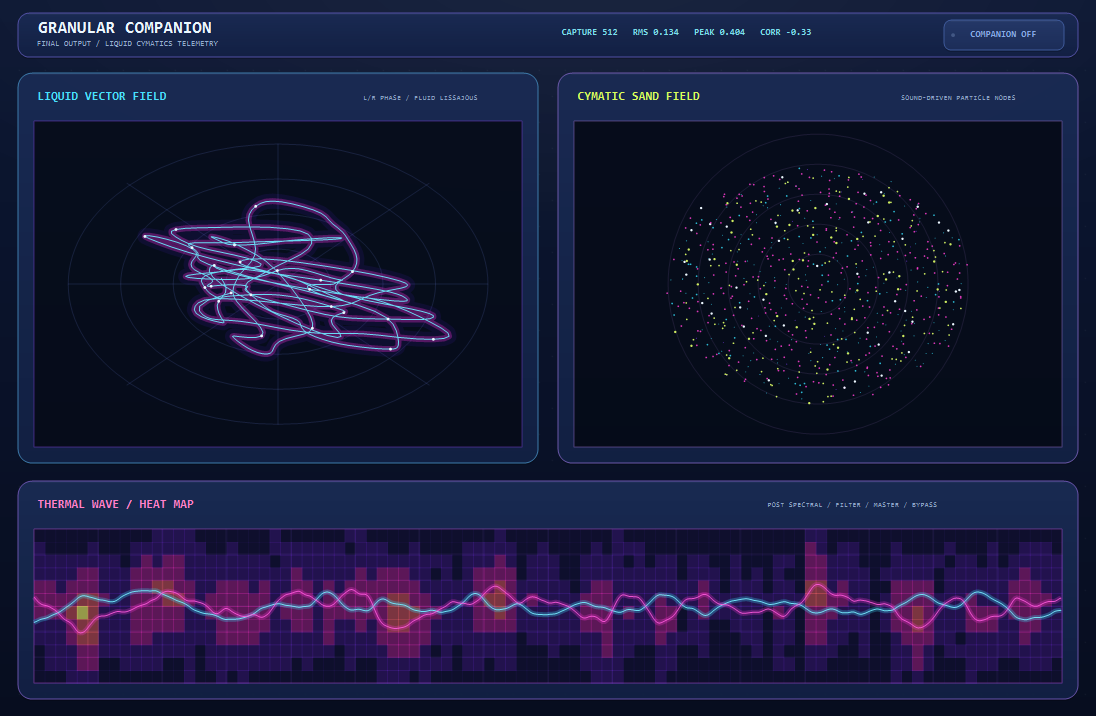
The grain monitor is now split. The left half is the live grain cloud you already know; the right half is a morph partner — a second sample blended into the same read path the grain engine draws from.
The blend happens per sample as the source is read, so it follows modulation immediately and costs nothing while the amount sits at zero. The partner is read at the proportional position, which means halfway through source A is halfway through source B no matter how different their lengths are.
B PITCH transposes the partner on its own, plus or minus two octaves, leaving sample A untouched. Pitch it up and it loops rather than freezing when it runs past its end.
The morph slot has the same prev / pick / next selector the main WAV slot has, reading the same factory folder, and each slot remembers its own position in the library.
Rain, Digital and Convolution
Three modes join the spectral section, taking it to eleven.
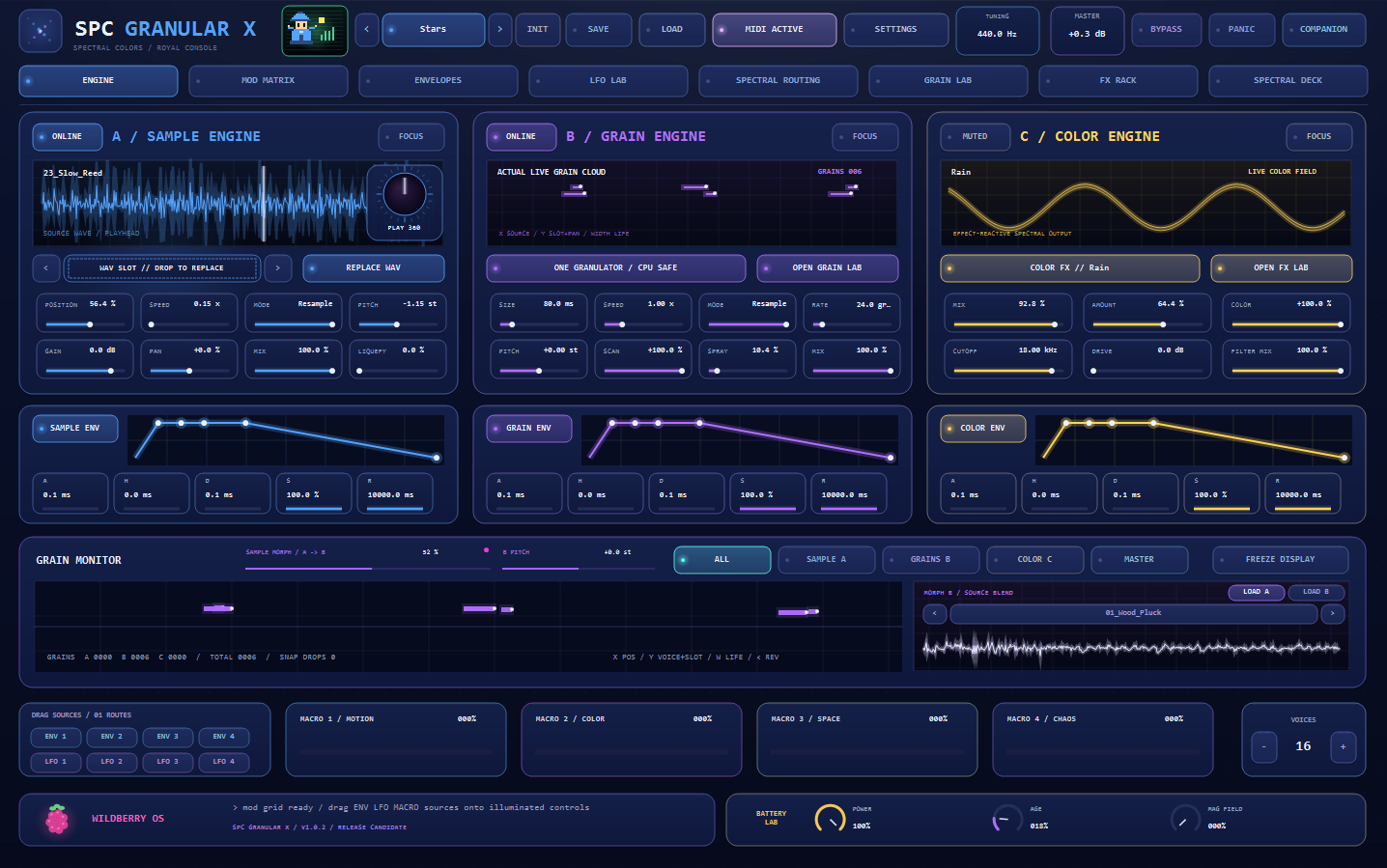
Rain passes sparse bins as droplets and pulls the rest down. The selector is hashed on bin and frame together, so a droplet found at one bin this frame appears one bin lower the next — the pattern genuinely falls through the spectrum instead of flickering in place.
Digital quantises magnitude and phase onto coarse grids: partials snap to steps instead of gliding. Spectral bit-crush.
Convolution convolves against the sample already loaded in source slot 0. You get two things from it — the sample’s spectral colour, applied as a measured per-bin gain, and its smear, a per-bin ring-down. The colour alone would just be an EQ curve; the ring-down is what makes it read as convolution.
Every mode also gains a SHAPE knob whose meaning follows the mode — smear radius, shift range, ghost stride, droplet density, quantisation coarseness — and a MOVEMENT toggle that walks Shape with a slow triangle so the character moves rather than sitting still. Shape defaults to the exact value that reproduces the previous behaviour, so nothing you already made has changed.
Six Holographic console themes
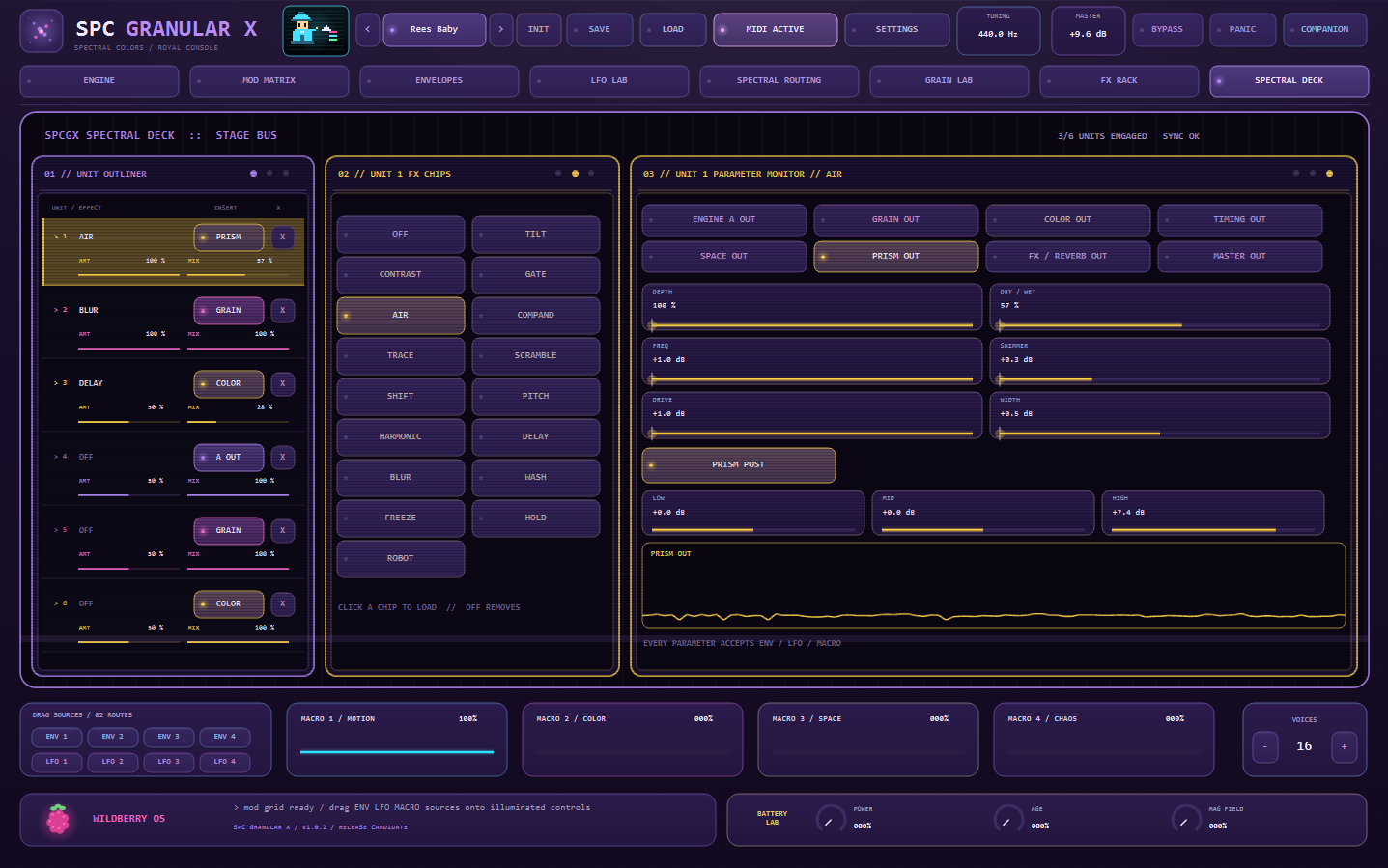
Four light and two dark — Pearl, Aurora, Opal, Cotton, Holo and Iris — bringing the console to twenty-five themes.
The recessed monitor glass now follows the active theme too. It had been a hardcoded near-black everywhere, which meant the engine monitors, grain monitor, envelope and LFO graphs, filter response and Companion plots stayed black holes on a light console. The Spectral Deck had the same problem and is fixed the same way. That change improves the existing Light and Cloud themes as well.
A rebuilt factory library
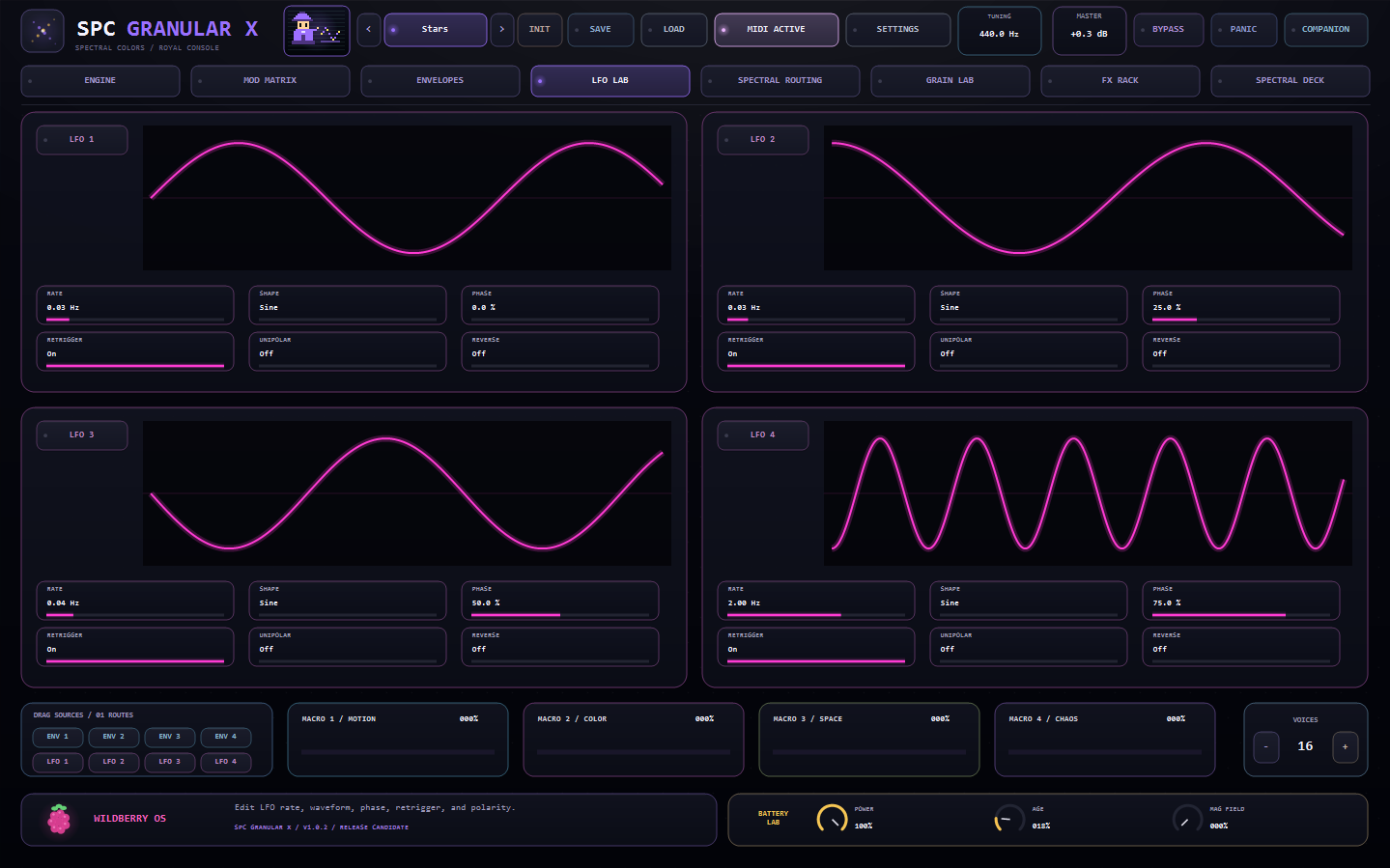
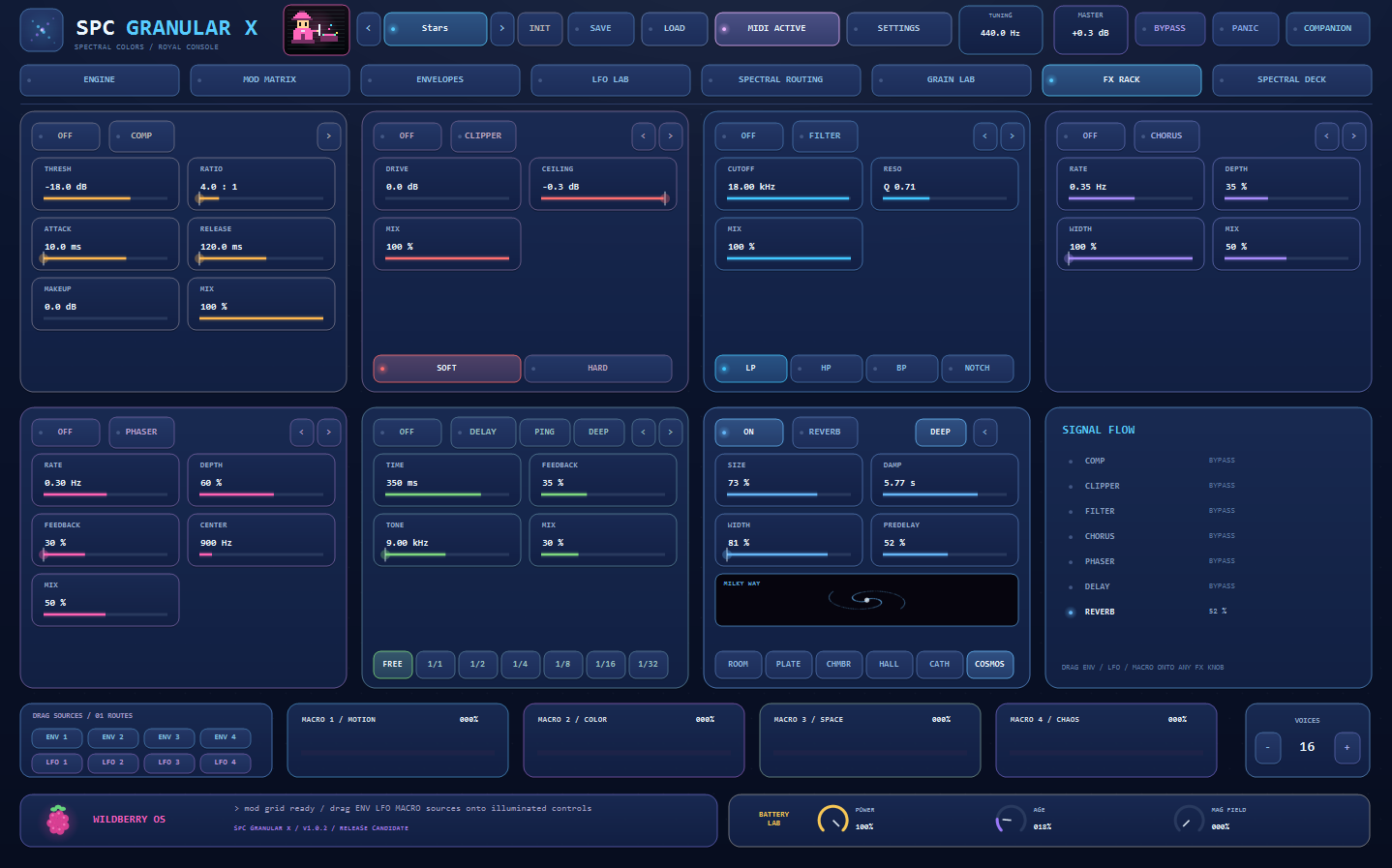
The library is now 43 sources, all recorded in-house, with 19 factory presets — including Stars, the first preset built around the new morph slot.
Also in this release
- Convolution’s tail is no longer cut short when the host is told it can sleep.
- Sample A’s browser arrows no longer load into the morph slot after you have used it.
- Every parameter round-trips its displayed value correctly; the official CLAP validator reports zero failures across all 693 parameters.
SPC Granular X 1.0.2 is a free update for existing owners. Download it from your account, or from the product page.