SPC VoxMorph
Voice character, as an effect AND an instrument.
“Two vocal machines. One key.”
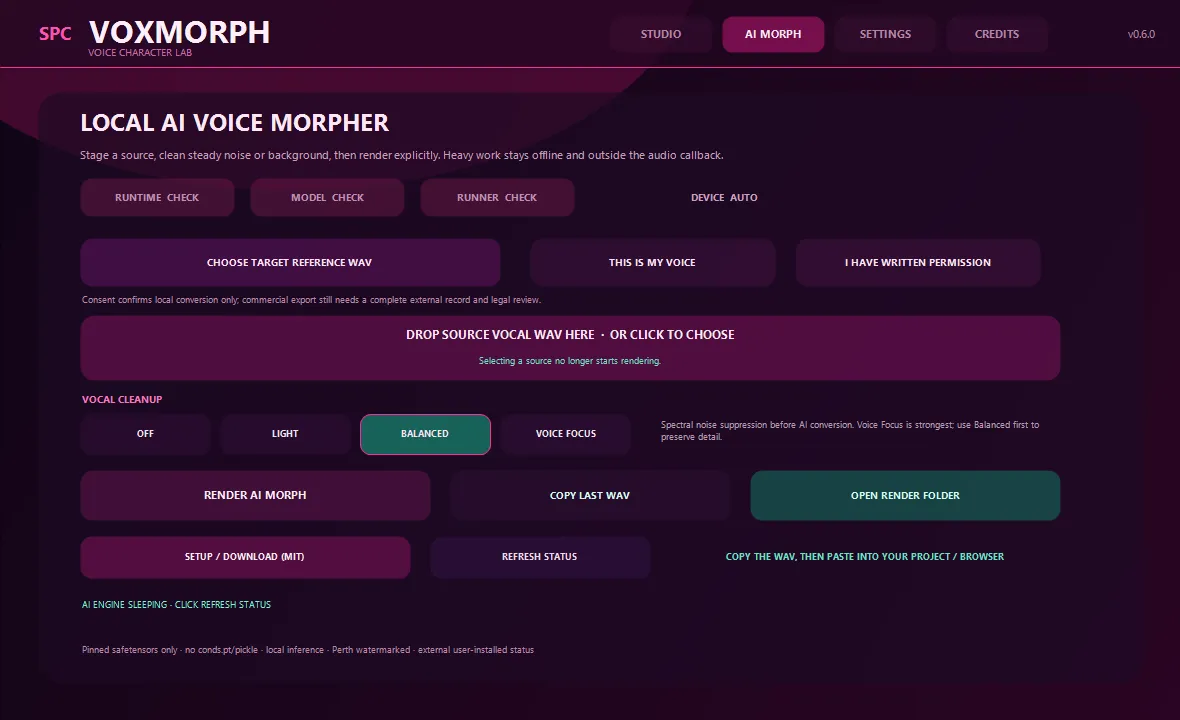
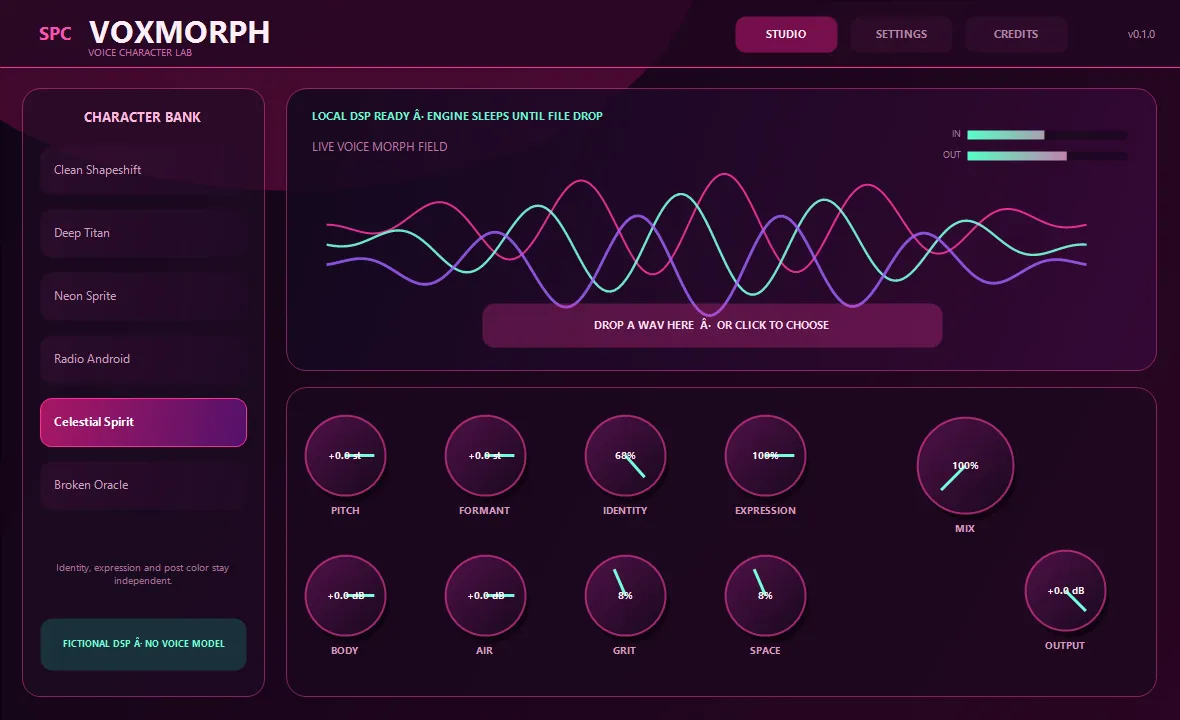
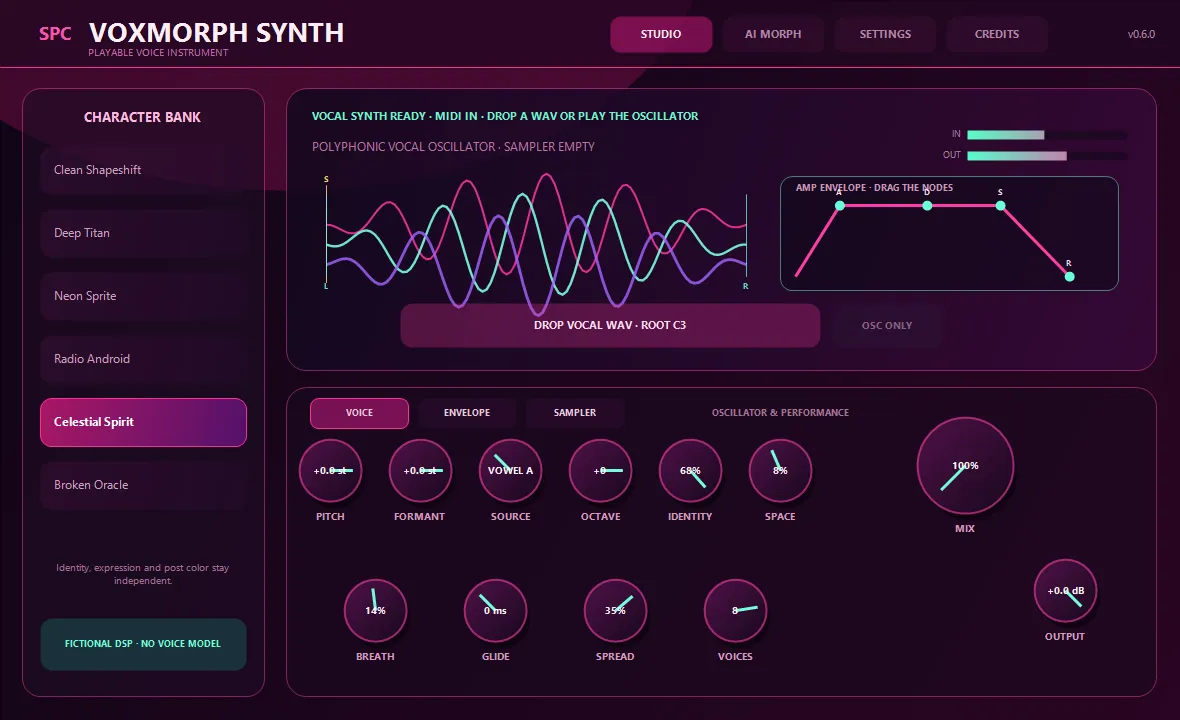
SPC VoxMorph is a local voice character designer, vocal transformer and playable voice synth for Windows — two CLAP modules under one license, so FL Studio discovers both the mixer effect and SPC VoxMorph Synth as separate products. The effect reshapes recorded voices live with high-quality pitch and formant shifting, expression shaping, body/air colour, controlled grit, doubling, space, dynamics and output protection; heavy file work renders asynchronously in the separate SpectralVoiceEngine worker, so the DAW audio callback never waits. The always-available VoxCraft path is model-free, and a dedicated AI Morph page adds optional zero-shot speech-to-speech conversion from a target-reference WAV — gated behind self-voice or written-permission confirmation, with offline spectral cleanup (Light / Balanced / Voice Focus) before conversion. The synth side is a 16-voice vocal instrument with four procedural sources, graphical ADSR, glide, stereo spread and breath — and any WAV you drop on it becomes a chromatic vocal sampler with five pitch engines, from compatible linear resampling to HD time-stretch. Character presets stack Identity, Expression, Pitch/Formant and Post layers. Security is part of the design: exact checkpoint hash verification, an isolated runtime, no bundled weights and no network access during inference.
Available now — a one-time purchase, yours to keep.
Highlights
- Effect + Synth descriptors — one purchase unlocks both
- Pitch / formant shifting, expression, body/air colour, grit, doubling, space, dynamics
- Model-free VoxCraft path — deterministic, local, always available
- Consent-gated AI Morph: zero-shot conversion to a reference voice, fully offline
- Offline spectral vocal cleanup — Light / Balanced / Voice Focus
- 16-voice synth: four procedural sources, ADSR, glide, spread, breath
- Drop a WAV → chromatic vocal sampler with five pitch engines (resample to HD stretch)
- Async SpectralVoiceEngine worker — the audio callback never waits on file or AI work
- Checkpoint hash verification, isolated runtime, no network during inference
At a glance
- Format
- CLAP effect + instrument (64-bit)
- OS
- Windows 10 / 11
- Host
- Any CLAP host — FL Studio 21.2+, Bitwig, Reaper…
- Version
- 0.6.1
Latest updates
Actively developed — recent fixes and improvements:
- Store-launch hardening — parameter readouts and state restore audited against the official CLAP validator.
- AI Morph page — consent-gated speech-to-speech conversion with model/runtime status and explicit render jobs; offline spectral cleanup before conversion; Copy Last WAV and render-folder drag/drop.
- Five sampler pitch engines, from compatible linear resampling to HD time-stretch; completed AI morphs load straight into the synth sampler.
- Sampler pitch-mode selection groundwork for the five pitch engines.
Learn the technique
Not sure if this is the tool you need?
These free guides explain the job SPC VoxMorph does — read them first, then decide. No sign-up, no video, just the technique.
Made to be played
Every knob morphs the sound.
SPC VoxMorph is built for real-time sound design. Turn a control and the whole signal reacts at once — spectral colour, granular texture and modulation respond live, right in your DAW. Nothing is baked in: every parameter is fully automatable and MIDI-mappable, so you can draw evolving movement, morph a vector-scope signal, and lock in a one-of-a-kind sound no preset could give you.
Get SPC VoxMorphInside the plugin
Click any image to enlarge.